Wavloft Chop
by Wavloft
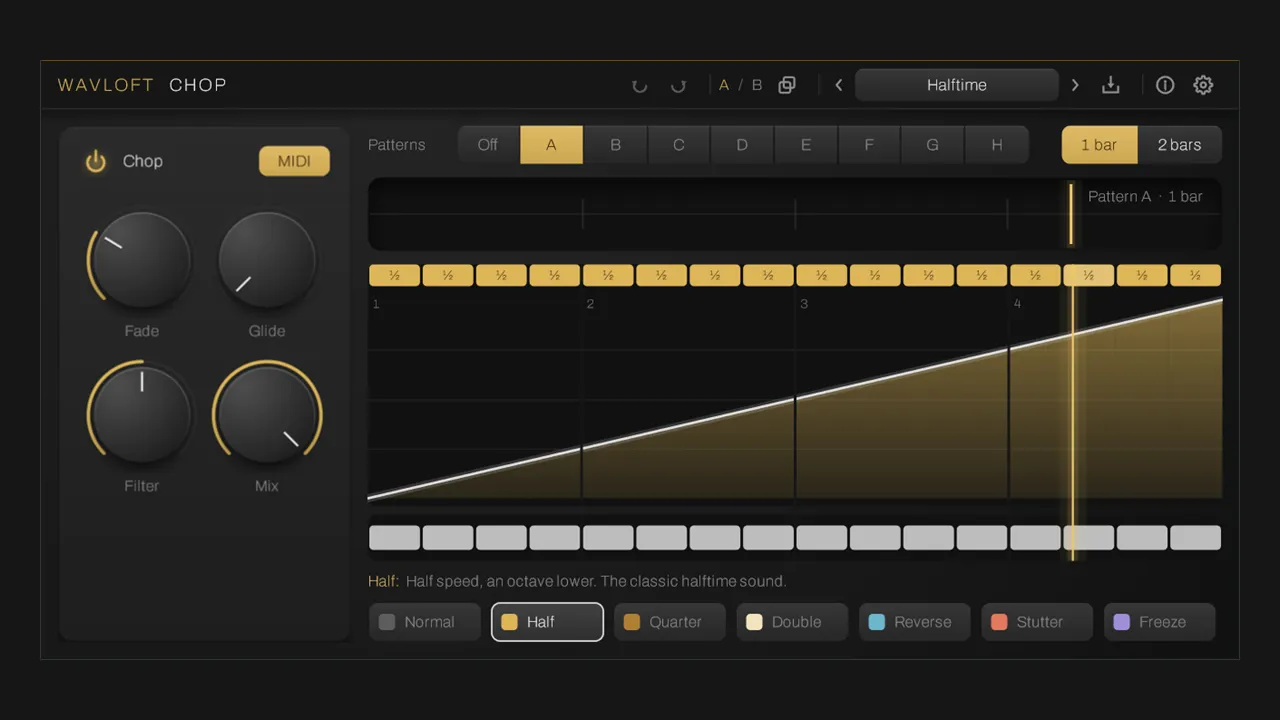
Half-time, stutter, reverse and freeze patterns painted on a 16-step grid.
Chop replays the last two bars of incoming audio in patterns. Each 16th-note step is assigned a mode: half speed, quarter speed, double speed, reverse, stutter or freeze. A second lane mutes steps. Bend the time curve to ease into a mode, switch between eight patterns from the piano roll or automation, and save presets.
It is not a set-and-forget effect. Put it on a channel carrying the audio you want to rearrange, paint a pattern, then turn it on where you want it in the arrangement: automate the power button, or hold a MIDI note (C3 to G3 pick patterns A to H).
Windows 10 or later, VST3, 64-bit. Run the installer and rescan plugins; Windows may show a SmartScreen warning the first time (More info, then Run anyway).
Free, pay what you want. No account, no licence key.
Multi-EffectTrapDubstepFuture bassIDM and glitch
More in Multi-Effect
- 6050 Ultimate Channel Strip
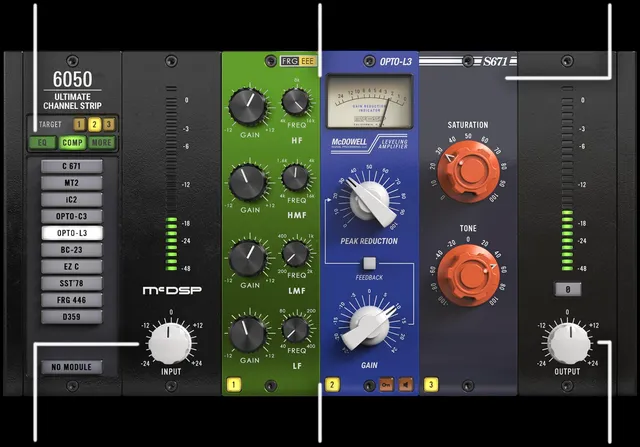
by McDSP
$179
- 6060 Ultimate Module Collection
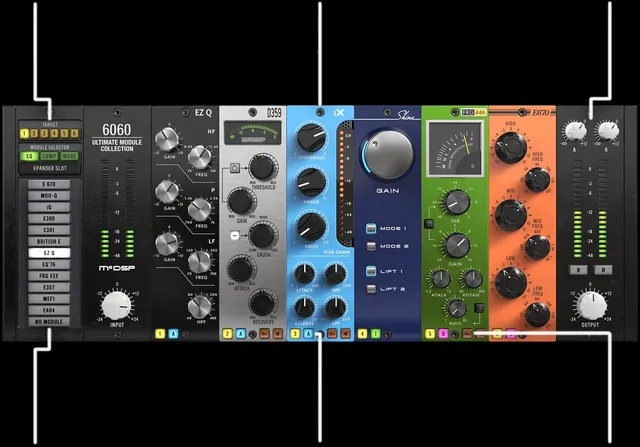
by McDSP
$249
- Abbey Road TG Mastering Chain
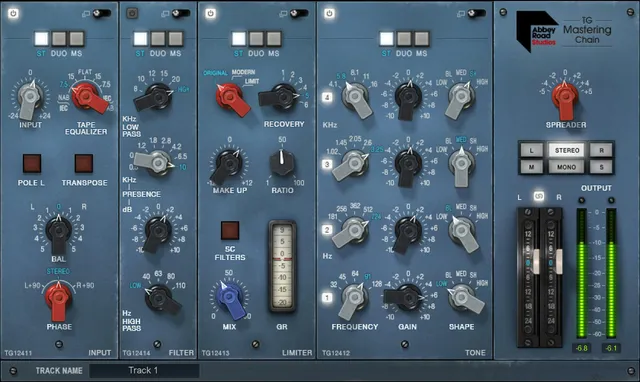
by Waves
$49.99
- ADPTR Audio HYPE
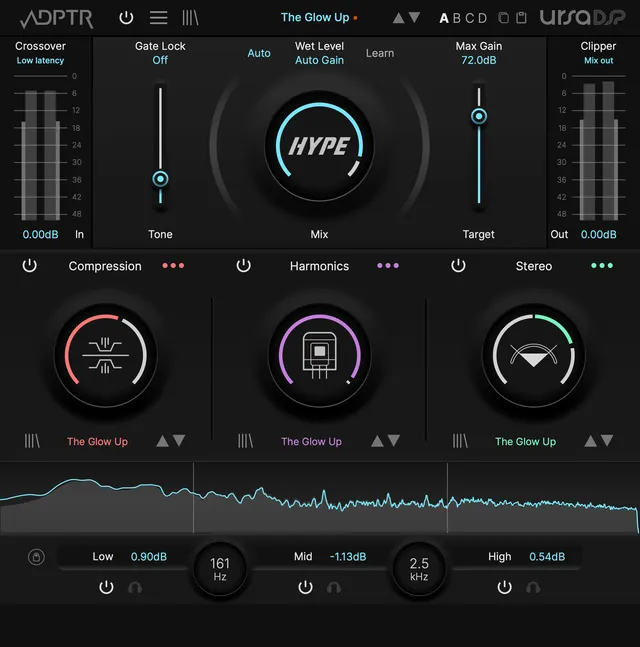
$150
- Aeronaut
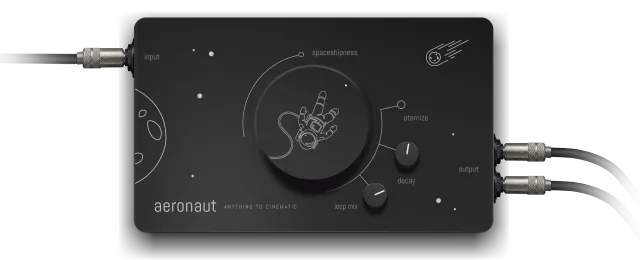
by Sampleson
$49
- Airwindows Consolidated
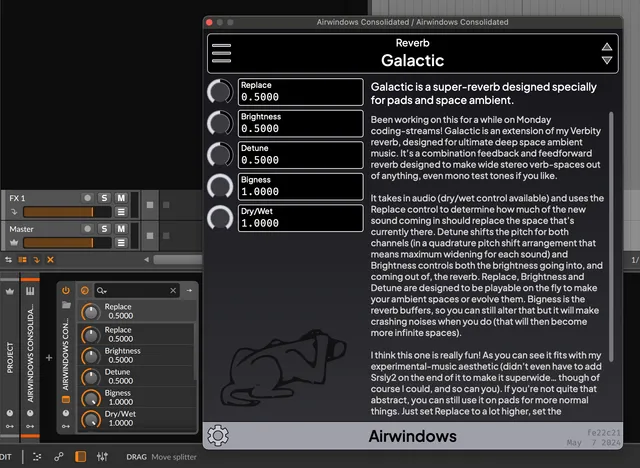
by Airwindows
Free